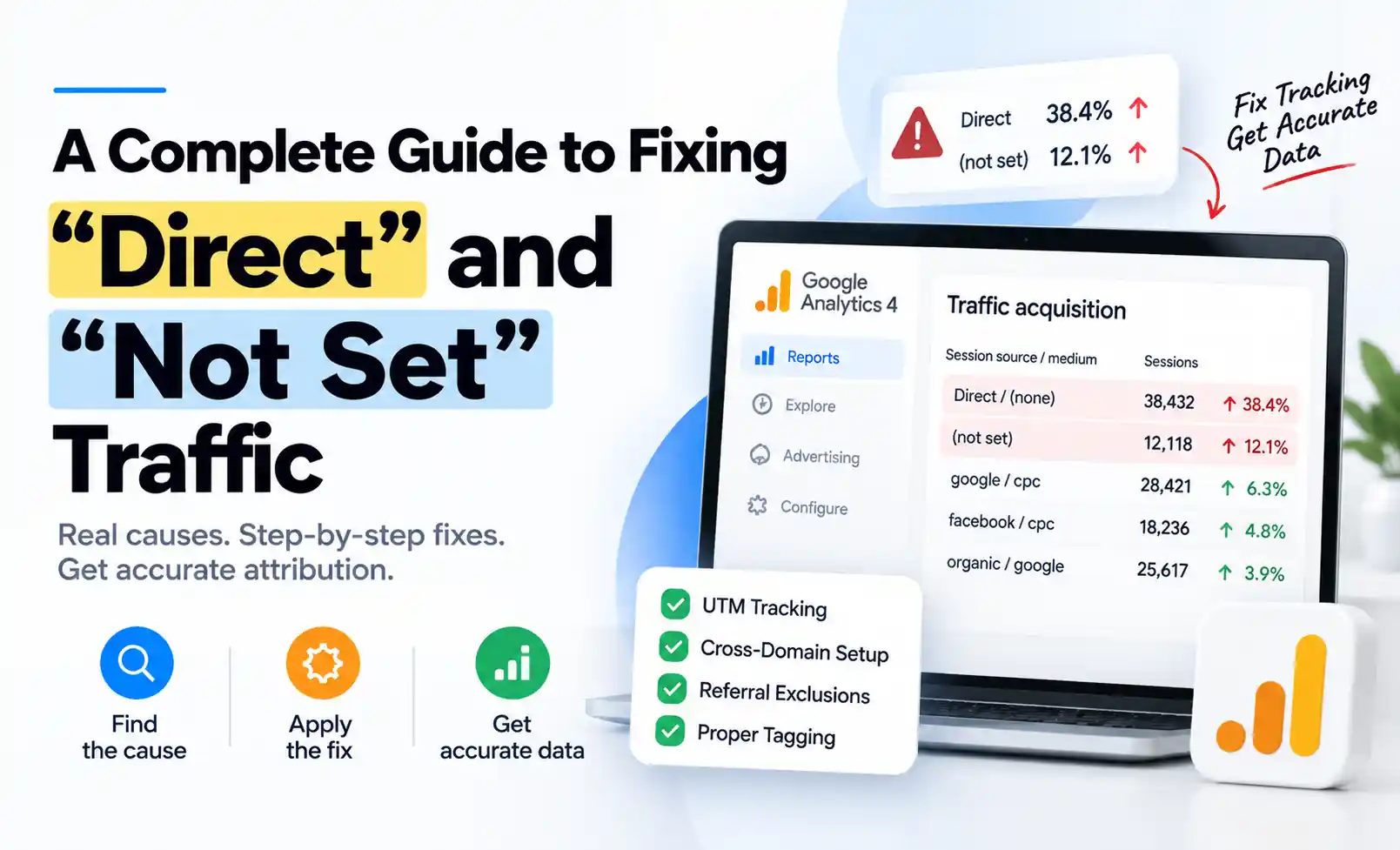

A Complete Guide to Fixing “Direct” and “Not Set” Traffic
When Direct traffic climbs past 30% of your sessions, it’s rarely people typing your URL from memory. It’s almost always broken tracking, and that means real ad spend getting zero credit.
Direct isn’t really a channel. It’s GA4 shrugging and saying “someone showed up, and I have no idea how.” You can’t optimize what you can’t measure, and this is exactly where attribution data goes to die.
This guide walks through why this happens, how to figure out which cause is hitting your site, and the precise fixes for each one.
Why This Actually Matters
This isn’t just a cosmetic reporting glitch. It’s a budget problem. When traffic lands in “Direct” or “(not set)”:
- Conversions get credited to “Direct” instead of the channel that actually earned them
- Budget decisions drift toward channels that happen to tag well, not the ones that actually perform
- Multi-touch attribution breaks down, because a session with missing data can’t be placed correctly in the journey
- A channel that’s genuinely working starts to look like it isn’t, and eventually someone cuts its budget
“Direct” vs. “(not set)”: Not the Same Problem
| Direct | (not set) | |
|---|---|---|
| What it means | GA4 found zero referrer, campaign, or attribution data for the session | GA4 received the hit but is missing one specific piece of data it needed |
| Where it shows up | As a Session Source / Medium value | Inside a dimension: Source/Medium, Channel Group, Landing Page, etc. |
| Typical cause | Redirects stripping UTMs, missing tags, apps and PDFs with no referrer | Broken Google Ads auto-tagging, events firing before session source is set, processing delay |
Knowing which one you’re actually looking at tells you where to start digging.
The Real Causes, In Order of Impact
1Redirects Stripping Your Campaign Tags
This is the biggest cause by far, and almost nobody checks for it. Someone clicks a tagged ad link. Your site redirects them, maybe from non-www to www, http to https, or an old URL to a new one, and if that redirect isn’t built to carry the query string through, the UTM parameters just vanish. The session lands as Direct.
Also worth watching for: in-app browsers on Instagram, TikTok, and LinkedIn that mangle parameters on first click, and SPAs where the tracking tag fires after a client-side route change has already dropped the query string.
How to fix it:
- Audit every redirect rule (CDN, server config, URL shortener) to confirm it preserves the full query string
- Click through real campaign links inside the actual mobile apps, not just a desktop browser
- Standardize how UTMs get built so campaigns don’t launch with malformed parameters
2Payment Gateways and Booking Tools
A customer leaves your site to pay on Stripe, PayPal, or a third-party booking system, then returns to your thank-you page. To GA4, that return can look like a fresh visit from another website, or worse, from nowhere at all.
How to fix it:
- Add every payment provider and booking domain to your referral exclusion list
- Set up cross-domain tracking properly (Admin → Data Streams → Configure tag settings → Configure your domains) for every domain in the actual user journey
- Manually test the full cross-domain path in dev tools and confirm the
_gllinker parameter survives every redirect
3Missing Tags on Your Own Pages
Sometimes GA4 never received a complete hit at all. Common culprits: the tag is missing entirely on certain templates (often after a redesign), a GTM trigger scoped to “All Pages” gets accidentally narrowed during an edit, or a subdomain or microsite built by a different team never got tagged.
How to fix it:
- Run a tag audit with GA4 DebugView across every major template: homepage, product pages, blog, checkout, standalone landing pages
- Check subdomains and microsites separately from your main site
- Confirm the GA4 configuration tag fires before any dependent event tags
4Links From Apps, PDFs, and Messages
Clicks from WhatsApp, Slack, email clients, and PDFs often arrive with no referrer at all. This isn’t broken tracking, it’s just how those platforms behave, and it’s the one slice of Direct traffic you can’t fully eliminate, only reduce by tagging every link you control.
5Untagged Campaigns
Newsletters, social posts, partner links, QR codes on printed material. If it wasn’t tagged, GA4 has nothing to categorize it with. In a typical account, a large chunk of “Direct” traffic is simply the marketing team’s own untagged links.
Fix: tag everything, using one consistent naming convention, with no exceptions.
6Consent Mode Gaps
If your consent banner blocks analytics until a visitor responds, and the visitor accepts after landing, the original campaign data attached to that very first pageview can already be gone by the time tracking starts.
How to fix it:
- Fire GA4 on the first pageview under Consent Mode’s default and update pattern, instead of blocking the tag outright
- Capture the landing URL, with UTMs, into a first-party cookie or dataLayer variable immediately on load, before the banner renders
- Confirm
ad_user_dataandad_personalizationsignals are implemented per Consent Mode v2
What About “(not set)” Specifically?
“(not set)” usually shows up because Google Ads auto-tagging is off, or the Ads account isn’t properly linked to GA4. This is by far the most common fix. It can also mean events are firing before the session source is established, or reports were pulled before GA4 finished processing, which can take up to 48 hours.
The Fix List, In Order of Impact
- Audit every redirect. Confirm query strings survive. This single fix often cuts Direct traffic dramatically on its own.
- Set referral exclusions for payment providers, booking tools, and any domain you send users to.
- Tag every campaign link. Email, social, partners, QR codes, all with one consistent naming convention.
- Turn on Google Ads auto-tagging and confirm the GA4 link is active.
- Set up cross-domain tracking if checkout or booking lives on a different domain.
- Review your consent setup so measurement starts as early as your policy allows.
- Consider server-side tracking once you’ve exhausted the above. It makes attribution far more durable against ad blockers and browser restrictions.
What “Good” Actually Looks Like
For most businesses, Direct traffic should sit somewhere between 10 and 20% of sessions. Strong, well-known brands with heavy repeat traffic can run a bit higher, and that’s genuine.
A Simple Way to Diagnose It
- Segment Direct traffic by landing page. Concentration on specific pages points to a tag or redirect issue, not a site-wide problem.
- Segment by device and browser. Spikes in mobile in-app browsers point to UTM stripping or consent timing.
- Check the timing of the spike. Did it start right after a migration, redesign, or new consent banner? That correlation usually tells you exactly where to look.
- Compare against ad platform click data. If an ad platform reports 10,000 clicks but GA4 shows 6,000 sessions on that campaign, that gap is your leak.
- Run live test sessions in DebugView for each entry point: email, paid ad, social, direct URL, to see in real time whether UTM and referrer data survive.
Keeping It Fixed
Fixing the cause is only half the job. Document your tagging and redirect setup so future site or CMS changes get checked against a known-good configuration. Run a recurring audit, even a simple quarterly DebugView check across your main entry points. Set up alerting on your Direct traffic percentage so a sudden jump gets investigated, not ignored. And treat tagging QA as a required step before any redesign, migration, or new consent banner goes live, not an afterthought.
Final Thoughts
Direct and “(not set)” traffic will never hit zero. Some of it is genuinely unavoidable: private browsers, privacy tools, and platforms that intentionally strip referrer data. The goal isn’t a perfect zero, it’s getting that number down to where it reflects real unattributable traffic, not broken tracking.
Work through the causes in order of impact, and your reporting will finally show what’s actually driving your traffic, so your marketing budget can be based on real data instead of a number dressed up to look like one.