
Why Google Ads and GA4 never show the same numbers
Same day. Same campaign. Same money. Two different answers. This is not a bug, and chasing a perfect match will cost you more than the gap ever will.
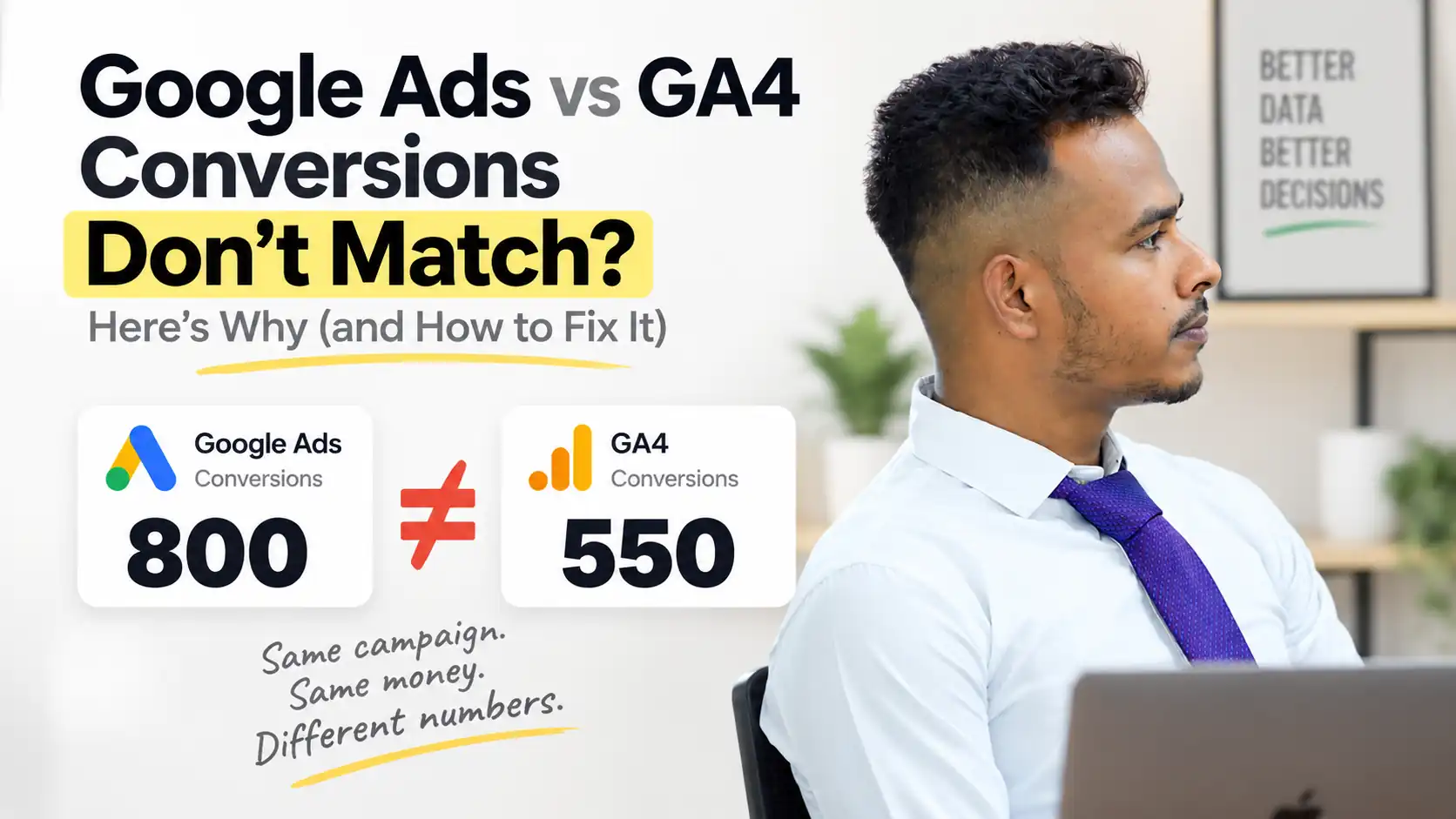
Every marketer hits this moment. You open Google Ads, you open GA4, and the two numbers refuse to agree. Same campaign, same twenty-four hours, same spend. One says 800. The other says 550. Your first instinct is that something is broken.
Usually nothing is. Google Ads and GA4 are not two windows onto the same data. They are separate systems, built for different jobs, counting different things on different clocks. Once you know what each one is actually measuring, the gap stops being a mystery and becomes something you can size up and judge.
The three big reasons they disagree
01Clicks and sessions are not the same unit
This is the most common source of confusion and the easiest to understand once you see it.
Google Ads counts clicks. GA4 counts sessions. One person can click your ad three times in an afternoon while comparing you against two competitors. Google Ads records three. GA4, depending on timing, records one continuing session.
Multiply that across thousands of visitors and the reports drift apart before anything else enters the picture. Comparing clicks to sessions is like comparing doorbell rings to people in the house.
02They file the same sale on different days
Both tools count the same sale. They just disagree about when it happened.
Google Ads attributes a conversion back to the moment of the click. Someone clicks Monday night, thinks it over, and buys on Thursday. Google Ads books that sale on Monday, because that is when the ad did its work. GA4 books it on Thursday, because that is the session the purchase happened in.
Over a long enough window the totals converge. On any single day, they rarely do.
03One sits upstream, one sits downstream
Google Ads reports what happened at the ad level, noise included: repeat clicks, accidental taps on mobile, and bot traffic that gets caught later rather than instantly.
GA4 sits further down the chain. It applies session logic and its own filtering, and it depends on a tag actually firing on your site. Ad blockers, slow loads, and consent banners all quietly remove sessions that Google Ads already counted as clicks.
The smaller reasons that add up
| Cause | What it does to the gap |
|---|---|
| Attribution models | Each platform can credit conversions differently, so the same sale gets split or assigned to another campaign entirely |
| Time zones | If the Ads account and the GA4 property sit on different time zones, every daily report compares shifted windows |
| Consent settings | Under Consent Mode some GA4 data is modeled or withheld while the ad click is still recorded in full |
| Cookie and browser rules | Safari and privacy tools shorten or block the identifiers GA4 needs to stitch a session together |
| Tag setup | Duplicate tags, missing tags, or a conversion firing on the wrong page inflates one side and not the other |
| Conversion windows | A 30-day click window in Ads against a shorter lookback in GA4 will never total the same |
So how big a gap is normal?
This is the question that actually matters. Not why is there a gap, but is mine too big?
A gap is not a failure. A gap that keeps growing, or one sitting north of twenty percent, is a signal worth acting on.
What this looked like in practice
The founder arrived convinced his tracking was completely broken. Google Ads was reporting far more conversions than GA4 and he had stopped trusting either dashboard enough to make decisions with.
The tracking was not broken the way he feared, but thirty percent is too wide to be explained by normal differences alone. The audit turned up a duplicate conversion tag firing on the thank-you page, inflating one side of the comparison on every single order.
Removing the duplicate brought the gap to roughly eight percent, exactly where a setup like his should sit. Nothing else changed. He simply stopped losing hours to a number that had a specific, findable cause.
What to actually do about it
- Pick one source of truth. Google Ads for bidding and campaign decisions, GA4 for on-site behaviour. Do not switch between them mid-decision.
- Align the obvious settings first. Match time zones, currency, and conversion windows across both platforms before investigating anything deeper.
- Check the gap on a schedule, not on impulse. Once a month is enough. Daily comparison pushes you toward conclusions the data cannot support.
- Ignore small differences. Under ten percent is noise, and acting on noise costs more than the noise does.
- Investigate only large or growing gaps. Duplicate tags first, then attribution settings, then consent configuration.
- Compare over longer windows. A 30-day view smooths out the click-time versus session-time mismatch that makes daily numbers look worse than they are.
A five-minute gap check
- Pull the same 30-day window in both platforms, not the same single day
- Confirm the time zone on the Ads account matches the GA4 property
- Review your conversion actions in Google Ads for anything firing more than once per purchase
- Open GA4 DebugView and complete a test conversion yourself, watching how many times the event fires
- Write the percentage difference down, so next month you compare against a baseline rather than a feeling
Final thoughts
Google Ads and GA4 were never designed to agree. One measures the performance of your advertising. The other measures the behaviour of your visitors. Expecting identical totals from two tools built for different purposes is the real mistake, not the gap itself.
Pick the number you will make decisions with. Verify the gap sits in a sane range. Fix it when it does not, and leave it alone when it does. Then go back to the work that actually moves revenue.
See exactly where you’re wasting ad spend
And how better tracking can double your sales.